You can send a message to support@multitrackstudio.com
In addition to sending an email, please send a Report.
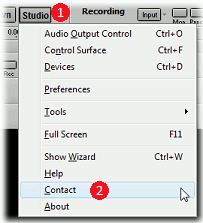
The report helps us assist you more effectively. Sending one is super simple: just go to the Contact window in the Studio menu, and click the Send Report Now button (*). The licensee name is included, so we know who it's from.
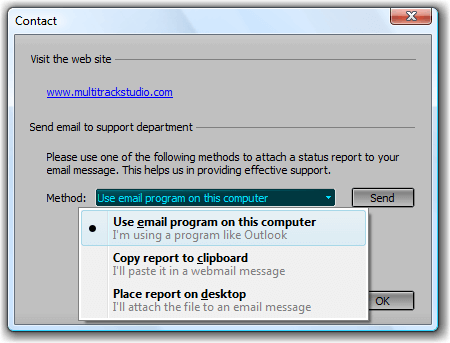
If you computer isn't connected to the internet, you can use "Other options" to copy the report to the clipboard, or to save it to a file on the desktop. You can then send it via email.
(*) The Send Report Now button is available in MultitrackStudio 11.4.2 or newer. It's not available in the Lite edition (the copy and save options are).
Found a bug? Please report it, so we can fix it!
Suggestions or wishes regarding MultitrackStudio? Please let us know!